Create a Campaign#
To make a new campaign, first create the folder you want to use for the campaign.
mkdir "My Campaign"
Then, NPC can set up the basic folders and files for you.
Run the init command. It will prompt you for all the important campaign info.
npc init "My Campaign"
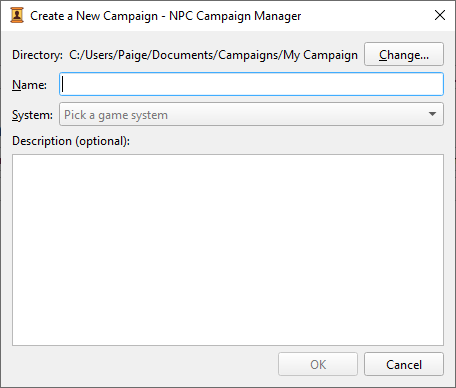
Go to File > New Campaign. You’ll be prompted to open the new campaign’s directory, then shown a popup which asks you to fill in all the important campaign info.
The folders for a new campaign can be changed by editing the values in your user settings file. See Open Settings Files for how to edit that file.