GUI Quickstart#
Since it’s a graphical app, the NPC GUI is relatively intuitive to use, especially once you’re familiar with the way NPC handles Campaigns. While using it, you can hover your mouse over nearly any element to see a tooltip about what it does.
Welcome Screen#
When you open the NPC app, you’ll see the welcome screen.

This screen has shortcuts to open your most recent campaigns, as well as to open or create a new one.
Campaign View#
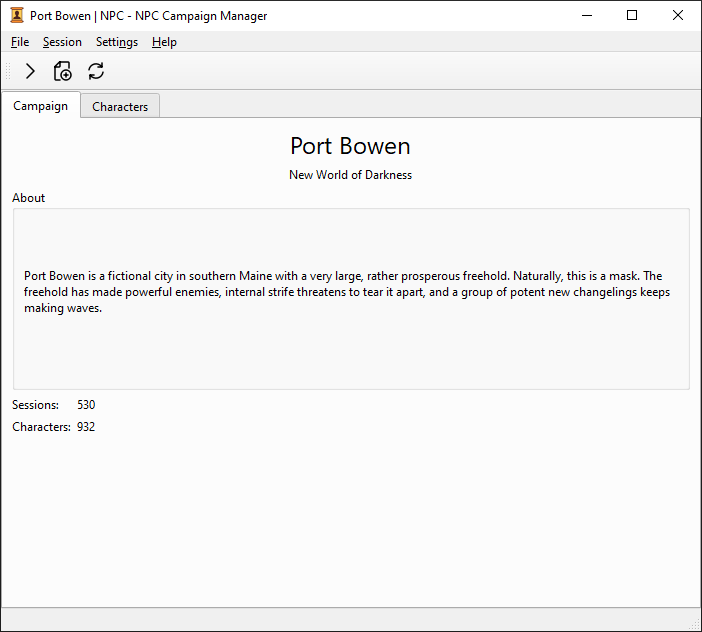
Once a campaign is open, you’ll see a screen that shows the campaign’s info with a tab to view the characters for that campaign. Various campaign-related actions will be enabled.
Opening Files#
To open one or more character files, select them in the list then click Open in editor on the bottom left.

This will open the selected character files in your editor of choice. See npc.editor for how to configure this if the default doesn’t work.